Your Crypto App Is Quietly Killing Your Phone — and Your Trade Timing
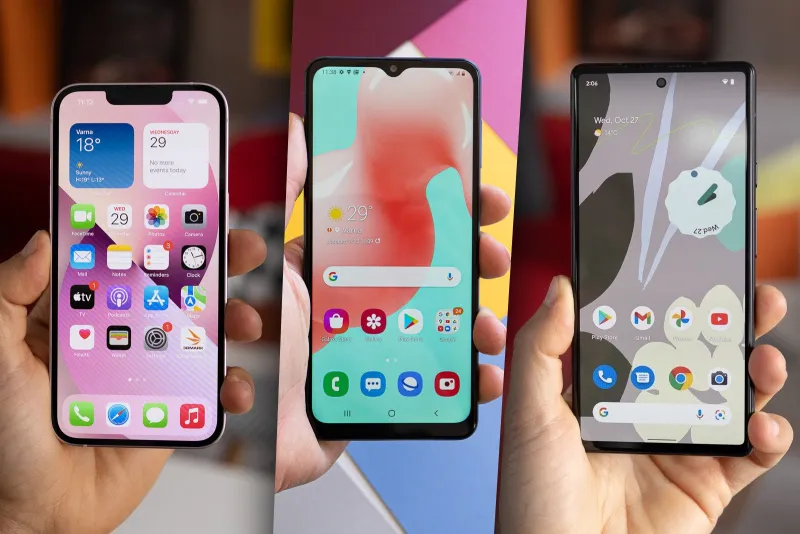
Photo: smartphone battery drain apps running background technology, via m-cdn.phonearena.com
You glance down at your phone at 2:47 PM and notice your battery is already at 18%. You didn't stream anything. You didn't scroll TikTok for hours. You've basically just been at your desk. So why is your phone dying?
There's a decent chance your crypto apps are the culprit — and the damage goes way beyond a dead battery.
What Background App Refresh Actually Does
Most people think their apps only run when they open them. That's not how it works. On both iOS and Android, apps can request permission to run processes in the background — refreshing price feeds, syncing wallet balances, checking for new transactions, and queuing up push notifications — all while your screen is off and the app is technically "closed."
For a weather app, this is mildly annoying. For a crypto trading app, it can spiral into a genuine performance problem.
Here's why: cryptocurrency markets don't close. They run 24/7, 365 days a year. A crypto app that's configured to stay current with live prices is essentially asking your phone to maintain a near-constant low-level data connection. Multiply that across two or three exchanges, a portfolio tracker, and a news aggregator, and your device is basically mining for data all day long — without you ever knowing.
The Battery Problem Is Just the Beginning
Dead batteries are annoying. Missed trades are expensive.
Here's the real issue: when your phone is resource-starved — whether from battery saver mode kicking in, thermal throttling on a hot day, or just too many background processes competing for CPU — push notifications get delayed. Sometimes by seconds. Sometimes by minutes.
In crypto, that gap matters. A lot.
Imagine you've set a price alert for Bitcoin at $62,000 — your target entry for a swing trade. The alert fires on the exchange's server at 10:14 AM. But your phone, busy juggling background processes from five other apps, doesn't surface that notification until 10:17 AM. By then, BTC has already bounced to $62,800 and your window is gone.
You didn't miss the trade because you weren't paying attention. You missed it because your device was quietly overwhelmed.
The Irony of "Always Updated" Apps
There's a brutal irony at the heart of this problem. The apps that promise to keep you most connected to the market — the ones aggressively refreshing in the background — are often the same ones most likely to cause the notification delays that disconnect you from the market at the worst moment.
Being "always on" creates enough device stress that the alerts you depend on arrive late, garbled, or not at all.
Android users tend to have more control over this through battery optimization settings, but the tradeoffs are real on both platforms. Apple's iOS uses its own background app refresh system, which throttles apps based on usage patterns and battery level. The result is unpredictable — your app might refresh every few minutes during your morning commute and then go quiet for 20-minute stretches when your battery dips below 30%.
How to Actually Fix This
The goal isn't to go completely offline. It's to be strategic about which apps get background access and which ones don't.
Step 1: Audit your background permissions. On iPhone, go to Settings → General → Background App Refresh. On Android, head to Settings → Battery → Battery Optimization (the exact path varies by manufacturer). Look at every crypto-related app on your list. Do you really need your portfolio tracker refreshing in the background if you check it manually every morning anyway?
Step 2: Pick one app to prioritize. If you're actively trading, choose your primary exchange app and give it full background access. Everything else — trackers, news apps, secondary wallets — gets restricted. You don't need five apps competing to tell you the same price.
Step 3: Use Wi-Fi over cellular when you can. Background processes on cellular connections drain battery significantly faster than on Wi-Fi. If you're trading from home or the office, make sure your phone is connected to Wi-Fi so the constant data pull is less taxing on your hardware.
Step 4: Manage your alert stack. More alerts doesn't mean better awareness. If you have 15 price alerts set across three apps, you're not more informed — you're just generating more background activity. Trim your alerts to the ones that actually trigger action, and turn off the rest.
Step 5: Keep your phone charged above 30% during active trading hours. This one sounds obvious, but it's easy to forget. Battery saver mode — which kicks in automatically on most phones below 20% — dramatically throttles background refresh and delays notifications. If you're watching a position, a dead phone is a silent position.
What Mobile-First Trading Actually Requires
At S8B Crypto, we talk a lot about the promise of having your blockchain portfolio in your pocket. And that promise is real — mobile platforms have genuinely democratized access to crypto markets in ways that would've seemed impossible a decade ago.
But mobile trading also comes with constraints that desktop trading doesn't. Your phone is a shared resource. It's running your texts, your email, your maps, your music — and on top of all that, you're asking it to maintain a live connection to a 24/7 global financial market.
Understanding those constraints isn't a reason to give up on mobile trading. It's a reason to be smarter about how you configure your tools.
The traders who get burned by delayed alerts usually aren't less experienced — they just never thought to question whether their device was actually keeping up with their strategy. A quick 10-minute audit of your background app settings might be the most valuable trade-prep you do this week.
Your portfolio deserves a phone that's actually working for it — not against it.